
Risk & Discipline Assistant
The Automated Speed Bump for Impulsive Trading
Stop revenge trading, respect your limits, and protect your capital — built natively for Sierra Chart
The Problem
We’ve all been there. You hit a loss, get frustrated, and tell yourself you’ll just “make it back real quick.” 10 minutes later you just made 3 more impulsive trades and blown a prop account or live account. Revenge trading happens in a split second when emotions override logic. Once you’re in that state, willpower alone rarely works. You need something that forces you to pause.
The Solution
The PAVT Risk & Discipline Assistant is a lightweight risk tool built entirely in C++ (ACSIL) for Sierra Chart. It monitors your trading in real time and enforces the rules you set — creating immediate friction when emotions start taking over.
Key Features:
Customizable separate cooldown timers for losing or winning trades
Separate maximum position size limits for Minis and Micros (if you exceed the position size the trade closes and a cooldown triggers)
Adjustable daily loss limit parameter (resets at 5:00 PM ET)
Daily loss limit automatically flattens and locks when realized + open P&L hits your limit, with the option to apply it to the entire trade account or this symbol only
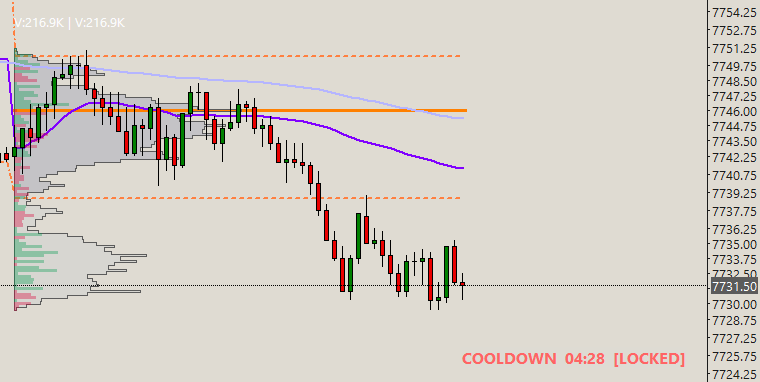
Actively locks trading while any protection is active
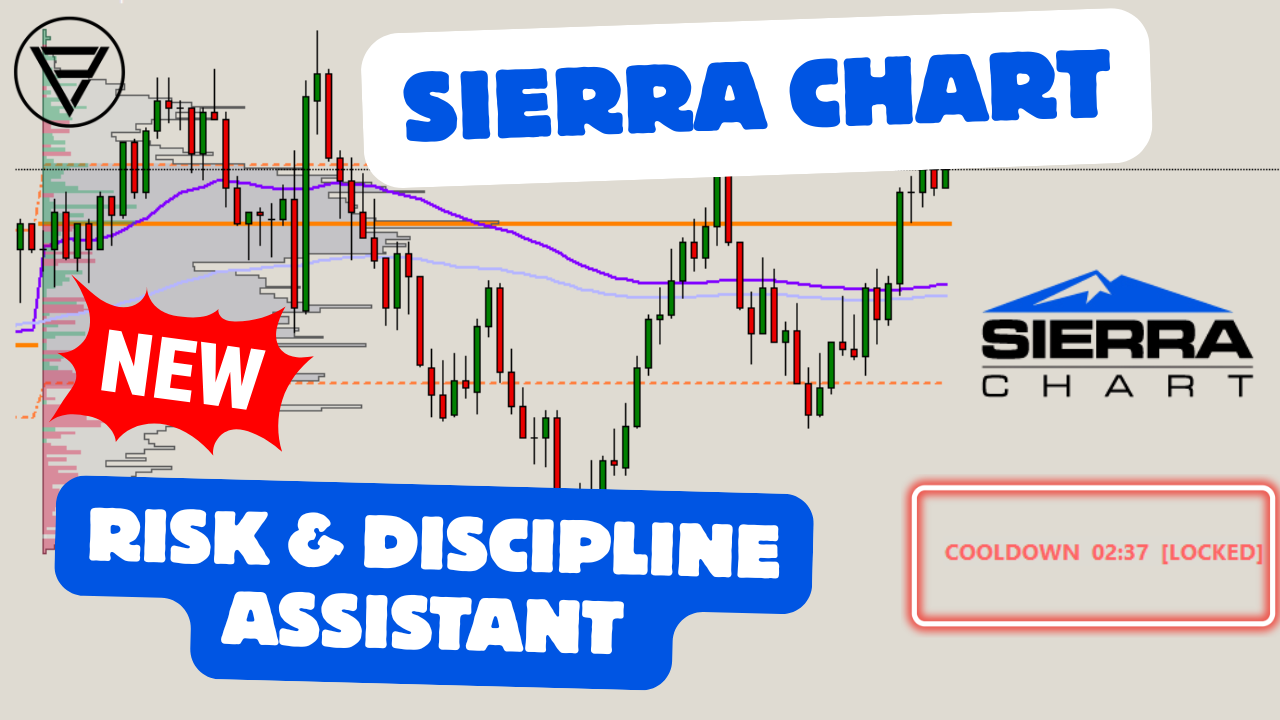
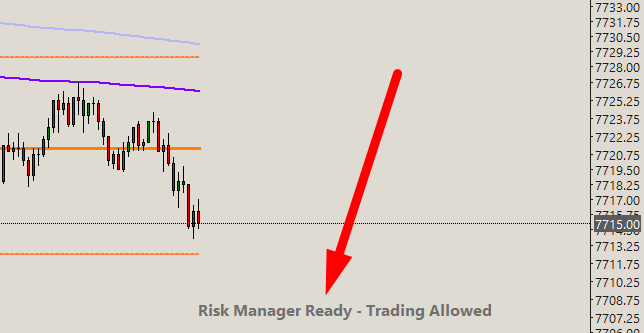
Clear on-chart status display
Customizable sound alert options for cooldown start / end
Works with Rithmic data prop firm accounts (TPT, Lucid, Tradeify, Apex, TradeDay, etc) and live futures broker accounts
One time payment, includes lifetime updates
Complete video guide going over every setting and walkthrough examples
Radical Transparency – Platform Limitations
Before you buy, let’s be completely honest about how Sierra Chart works.
Sierra Chart custom studies run entirely on your local computer. Unlike cloud-based risk tools that connect directly to the Rithmic or CQG API and can reject orders at the server level, a local study can only control trading inside Sierra Chart.
This means a determined trader can still bypass the protections by:
Removing the study and manually unlocking trading
Fully closing and restarting Sierra Chart and manually unlocking trading
No local Sierra Chart study can fully prevent this — these are platform limitations, not shortcomings of this tool.
This is a much more budget-friendly alternative to the stricter cloud-based third-party risk applications, while still creating strong real-time friction against impulsive trading.
Why it still works:
This is not an ironclad prison. It is a discipline assistant. Its job is to create immediate psychological friction. Having to deliberately remove a study or restart the entire platform is often enough of a pause for your logical brain to regain control and stop the emotional spiral.
Pricing: $69 – One-time payment
No monthly subscription. No recurring fees.
$69 is less than the cost of a single mismanaged micro contract stop-out. If this tool stops you from taking just one angry, impulsive trade, it has already paid for itself.
Mac Users:
Apple Silicon (M1, M2, M3, M4) → Use the file ending in _ARM64.dll
Intel Macs → Use the standard _64.dll (runs via Rosetta)
Windows / Parallels / Windows on Mac → Use the standard _64.dll
The correct file will be provided after purchase based on the operating system you specify. If you have a MAC but run a virtual Windows environment through a specialized program, then use the _64.dll Windows file.
Installation Instructions
1- After purchase, email your Sierra Chart Account Name and operating system (Windows / Intel Mac / Apple Silicon) to the support address provided in your order confirmation or through the contact form on this site.
2- You will receive a reply back (usually within 24 hours) containing:
Download link for the study
Authorization confirmation
Short installation & settings video guide
3- Copy the .dll file into your Sierra Chart Data folder (default location: C:\SierraChart\Data)
4- In Sierra Chart go to Analysis → Studies → Add Custom Study
5- Select “PAVT_RiskManager” and click Add/Apply
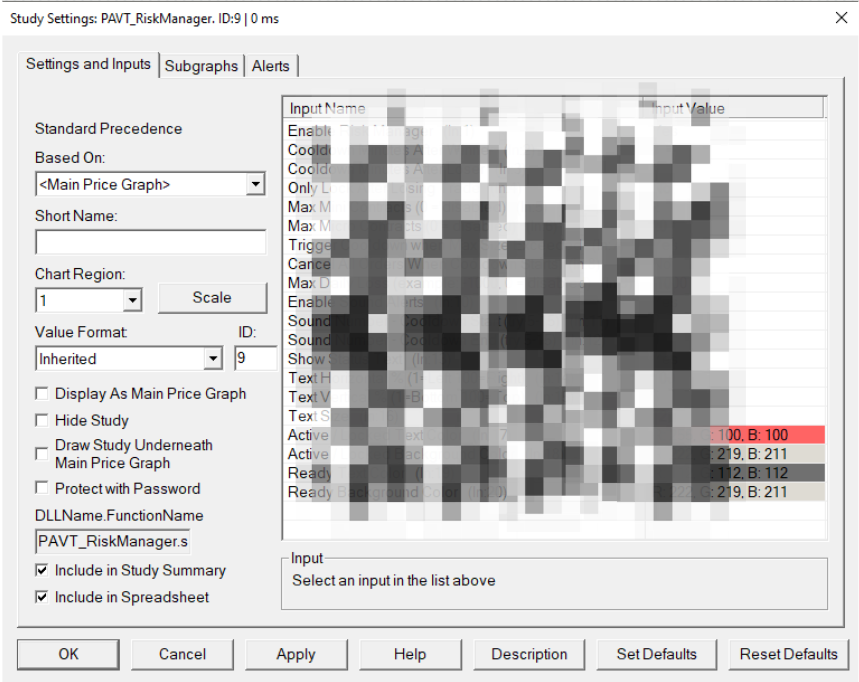
6- Open the study settings and configure your preferred limits (Cooldown Timers, Max Contracts, Optional Daily Loss, Optional Audio Alerts, etc.)
7- Make sure Trade → Auto Trading Enabled - Global is turned on. You can find this under the Trade menu on the top bar.
Frequently Asked Questions:
Does this work with Rithmic data prop firm accounts?
Yes. It works with Rithmic as well as regular live broker futures accounts. You can use it with TakeProfitTrader, Lucid, Tradeify, Apex, TradeDay, etc. Use code “PAVT” to get the max discount on any of these firms.
Can I use it on Mini charts while trading Micros?
Yes. The study correctly detects whether you are trading Minis or Micros even when using the “Trade and Current Quote Symbol” feature.
What happens if I remove the study while a cooldown is active or relaunch Sierra Chart?
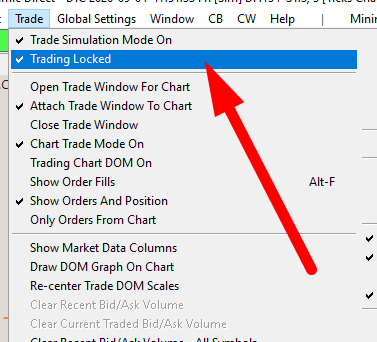
The trading lock stays on until you manually unlock it (under the Trade menu) or restart Sierra Chart and unlock it. The study will not automatically unlock it after removal. It is NOT recommended to remove the study or relaunch the program when a cooldown is active, as this will defeat the whole purpose of the protection.
Can I turn the study off without removing it?
Yes. There is an On/Off switch in the settings. Turning it “Off” stops new rules from being applied, but any active cooldown or daily loss lock will continue until it naturally expires.
Can I cancel working orders on other symbols when a cooldown starts?
Yes. There is a setting to cancel all working orders when a cooldown begins. If left off, pending orders on other charts stay working. Trading Locked will prevent you from managing those orders, but a working order may still fill if price reaches it. Use the cancel option if you want those orders removed when a cooldown starts.
Does the daily loss limit reset automatically?
Yes. It unlocks at 5:00 PM ET when the CME futures market officially closes for the day.
Does the DLL lock work across multiple prop firm accounts?
No. The daily loss limit and cooldowns apply to the Sierra Chart trade account selected on that chart as it track each individual account’s PnL for the day. If you have for example 3 prop accounts, hitting the daily loss on Account A does not automatically enforce the same limit on Account B or C. While the study is running, Sierra Chart’s Trading Locked setting is usually global for that open platform, so you may not be able to place trades on another account in the same window until the lock is cleared. However, you can still bypass this by removing the study or restarting Sierra Chart and manually unlocking trading again under the Trade menu. This tool is a discipline assistant for the account you are actively trading in that chart — not a firm-wide lock across every prop account.
Is this compatible with other custom studies?
Yes. It can run alongside your other PAVT indicators/templates and most third-party studies.
Do you offer refunds?
Because this is a digital product that is authorized to your Sierra Chart account, all sales are final once the file download link has been delivered and authorization given.
Will there be updates?
Yes. Any future improvements or bug fixes will be provided free of charge to existing customers.
Terms of Use & License Agreement – PAVT Risk & Discipline Assistant
By purchasing and downloading this study you agree to the following terms:
License Grant: You are granted a personal, non-exclusive, non-transferable license to use the study on Sierra Chart installations linked to your authorized Sierra Chart Account Name.
Permitted Use: The study is for personal discretionary trading only. It may not be used for automated trading systems, signal services, or commercial redistribution.
Prohibited Actions:
Reverse engineering, decompiling, or modifying the study
Sharing, selling, or redistributing the files
Attempting to bypass the authorization system
Using the study on unauthorized Sierra Chart accounts
No Warranty: The software is provided “as is”. Price Action Volume Trader makes no guarantees regarding performance, profitability, or uninterrupted operation. Trading involves substantial risk of loss.
Limitation of Liability: Under no circumstances shall Price Action Volume Trader be liable for any trading losses, account damages, or other damages arising from the use or inability to use this study.
Termination: Violation of these terms will result in immediate revocation of the license. You must then delete all copies of the study.
Refund Policy: All sales are final once the study files and authorization have been delivered.
Governing Law: These terms are governed by the laws of the applicable jurisdiction.
Risk Disclaimer
Trading futures and other leveraged financial instruments involves a substantial risk of loss and is not suitable for all investors. You can lose more than your initial investment. Past performance is not indicative of future results.
The PAVT Risk & Discipline Assistant is a tool designed to assist with personal trading discipline. It does not guarantee profits or prevent losses. You are solely responsible for all trading decisions and for the consequences of those decisions.
Price Action Volume Trader assumes no responsibility for any losses incurred while using this study. By using this software you acknowledge that you understand the risks involved in trading and agree that you are using the tool entirely at your own risk.